
How Rate Boost works
Rate Boost sends every customer a review request by email or SMS after their visit, asks them to rate their experience, then routes them based on the answer: happy customers go straight to your Google Business Profile, unhappy ones go to a private feedback form that only you see. Setup takes about ten minutes.
Step 1: We ask
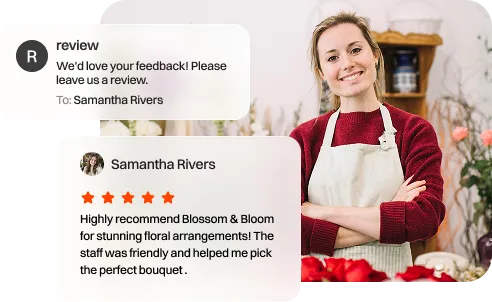
You add customers to Rate Boost, either by importing a list or connecting the system you already use. Rate Boost sends each of them a short review request by email or SMS, timed for after their visit rather than during it. Timing is the single biggest lever on response rate: a request that arrives while the customer is still paying gets ignored, and one that arrives a week later feels random.
Step 2: We filter
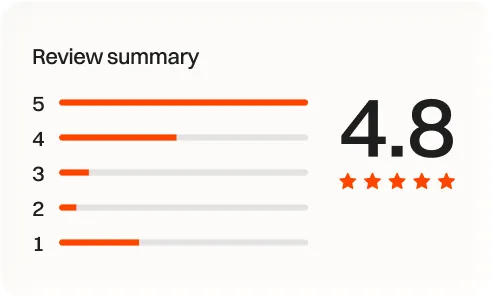
The request asks one question: how was it? Customers who rate the experience 4 or 5 stars are taken straight to your Google Business Profile with the review box already open, so posting takes seconds rather than requiring them to search for you first. Removing that friction is most of why automated requests outperform asking in person.
Step 3: You grow
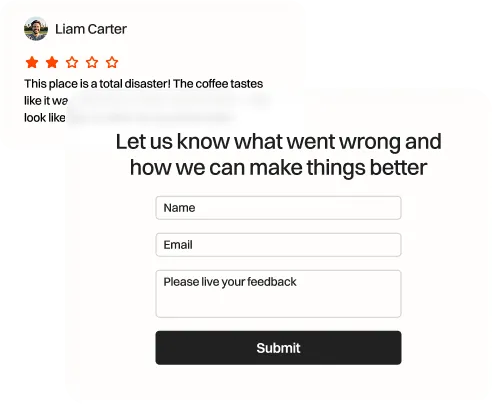
Customers who rate the experience 1 to 3 stars are taken to a private feedback form instead. You get the detail of what went wrong, delivered straight to you, while your public rating is unaffected. That gives you a chance to fix the problem and follow up with the customer directly.
What you need before you start
- A claimed and verified Google Business Profile. Claiming one is free at google.com/business and takes a few minutes.
- Customer email addresses or mobile numbers. Most businesses already have these in a booking system, POS or invoicing tool.
- Roughly ten minutes to connect your profile and send your first batch.
Start collecting reviews this week
Setup takes about ten minutes. No credit card required.
No credit card required. Cancel anytime.